User guide
How ve-work works
ve-work finds roles that match you and ranks them by fit. It surfaces company context and alumni paths, and keeps a shareable shortlist — without drowning you in noise. Screenshots below call out the main controls.
1. Getting started
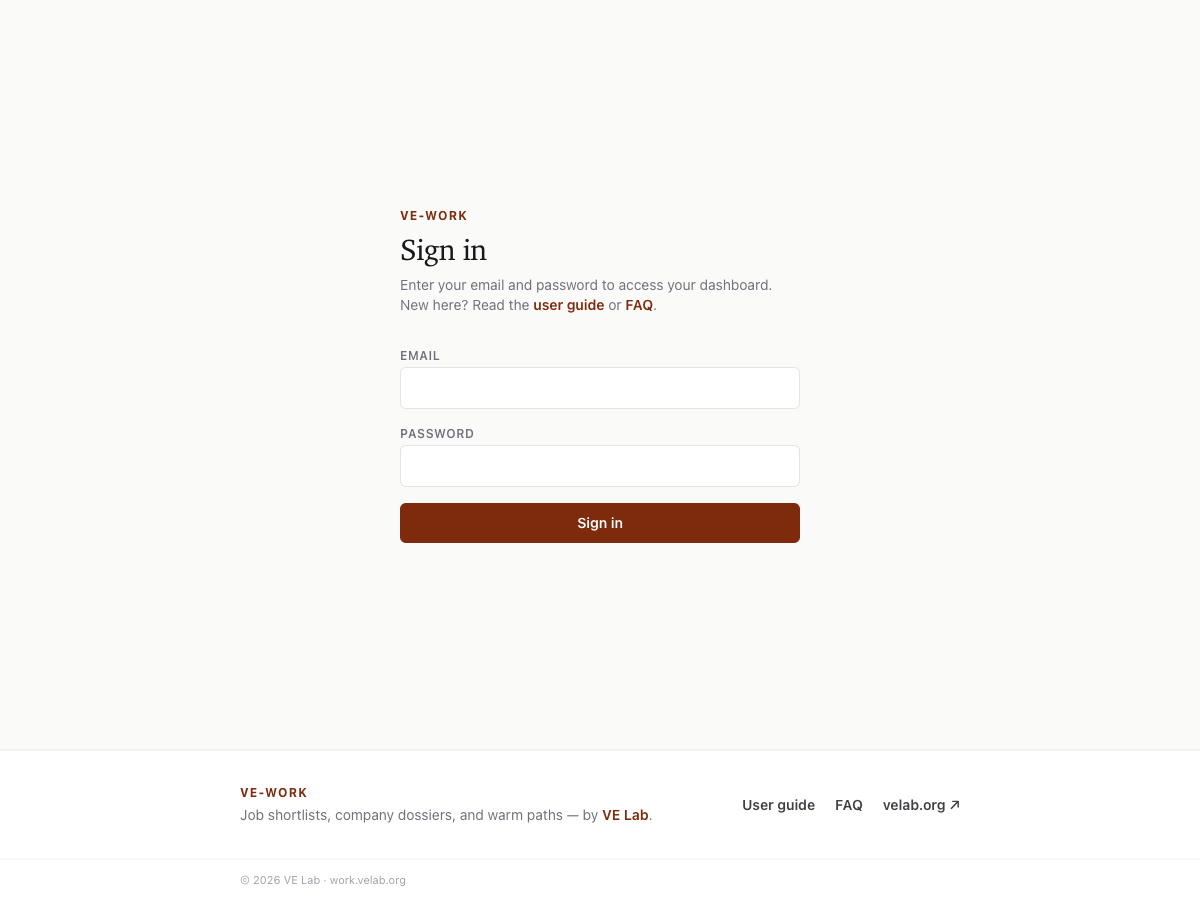
Sign in with the email and password you were given (or set at onboarding). You’ll land on your personal dashboard at /work/p/<you>.
- Upload or keep your LinkedIn PDF / profile so we know schools and past employers.
- Set role keywords and locations in Preferences (or during onboarding).
- Run Pipeline → “Find new roles” once, or wait for the morning/evening discovery cron.
- Review the Shortlist — star, apply, or skip roles as you go.
2. Dashboard chrome & tabs
The header shows your profile name and the account menu. The tab bar is icon-only (hover or long-press for the name). Order: Shortlist → Warm paths → Companies → History → Other sources.
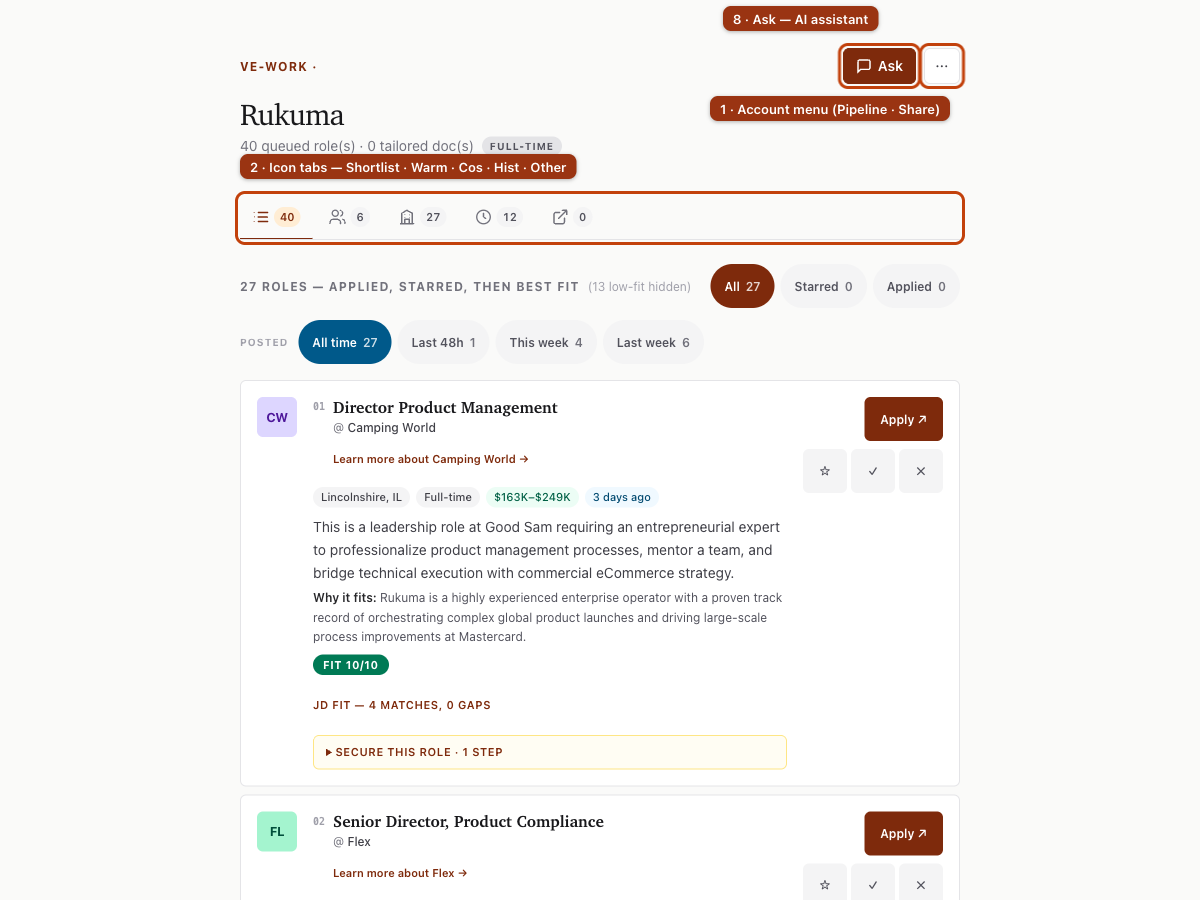
- Shortlist — active roles worth your attention
- Warm paths — alumni and ex-colleague intros at shortlisted companies
- Companies — dossiers (overview, website, leadership, socials)
- History — past shortlists after search changes or pruning
- Other sources — roles you added from careers pages / non-LinkedIn boards
3. Ask the assistant
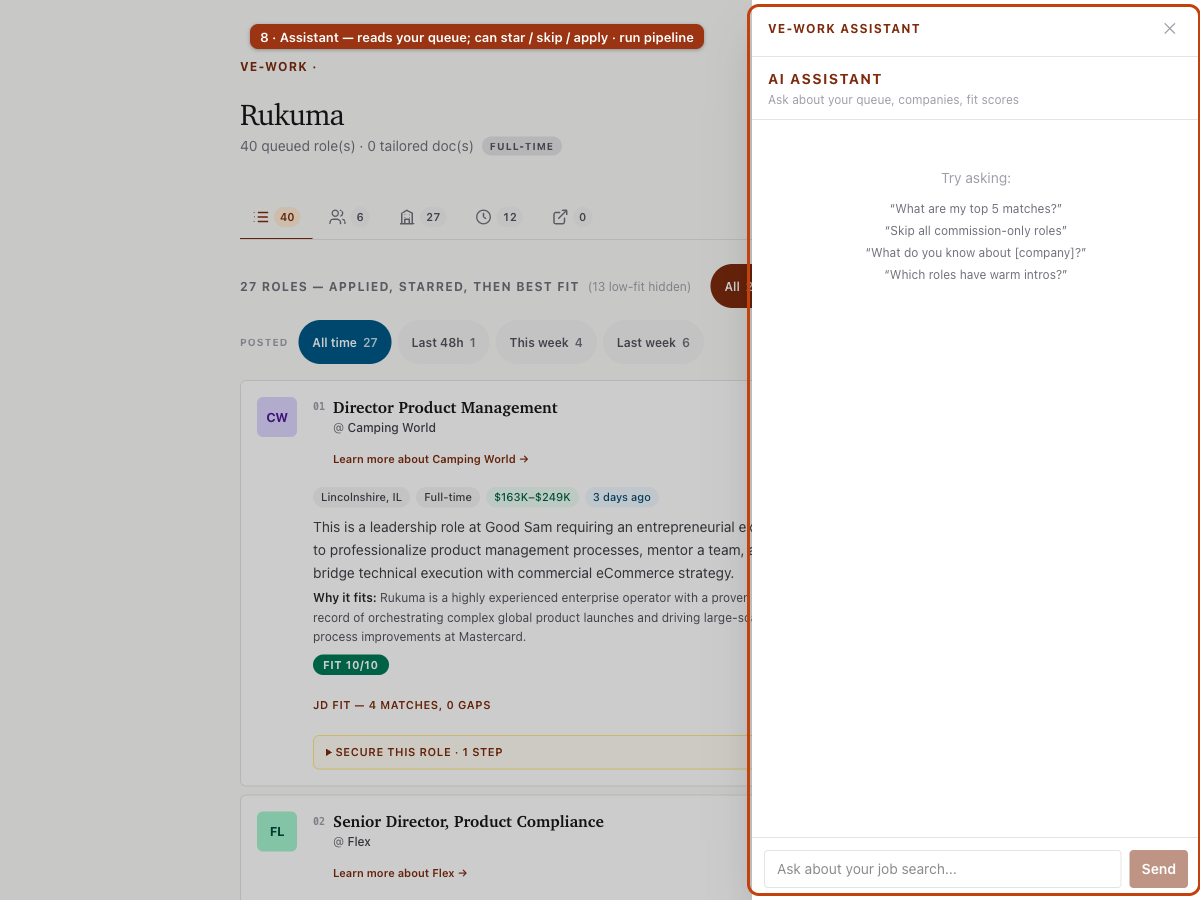
The Ask button (top right) opens the ve-work Assistant. The chat works on your data: the shortlist, fit scores, company dossiers, and warm paths. It also acts for you — star, skip, or mark roles applied, and trigger pipeline runs. It cannot edit your profile or search settings, and it cannot delete anything. Those stay manual by design.
- “What are my top 5 matches?” — ranked from your live queue
- “Skip all commission-only roles” — bulk queue actions
- “What do you know about [company]?” — pulls from the dossier
- “Which roles have warm intros?” — cross-references warm paths
4. Shortlist filters
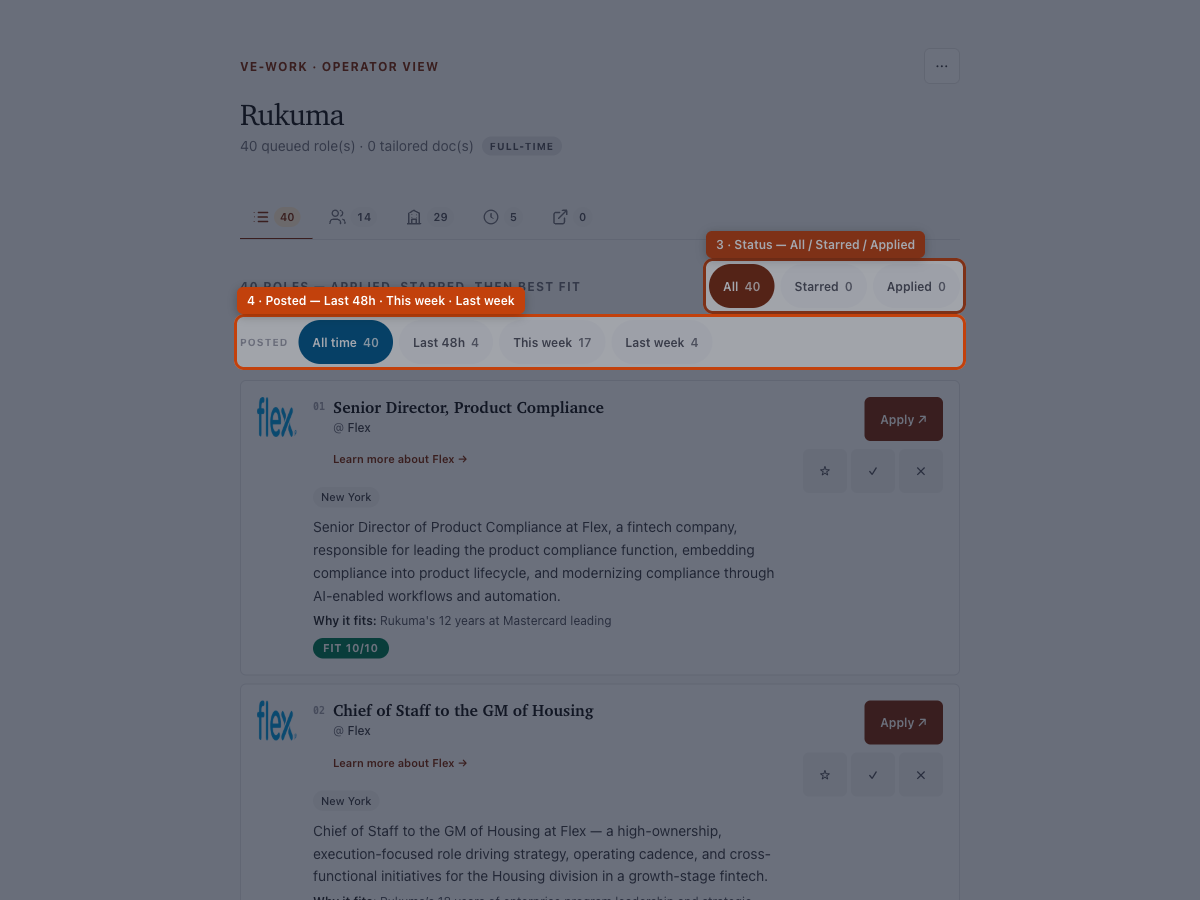
Discovery can find many roles, so the working shortlist stays granular. Your max_results sets the cap — 30 on a stock profile, 40 if unset. It also keeps max 2 roles per company, and fit 7 or higher when a score exists. Pruned roles move to History / Processed — not deleted.
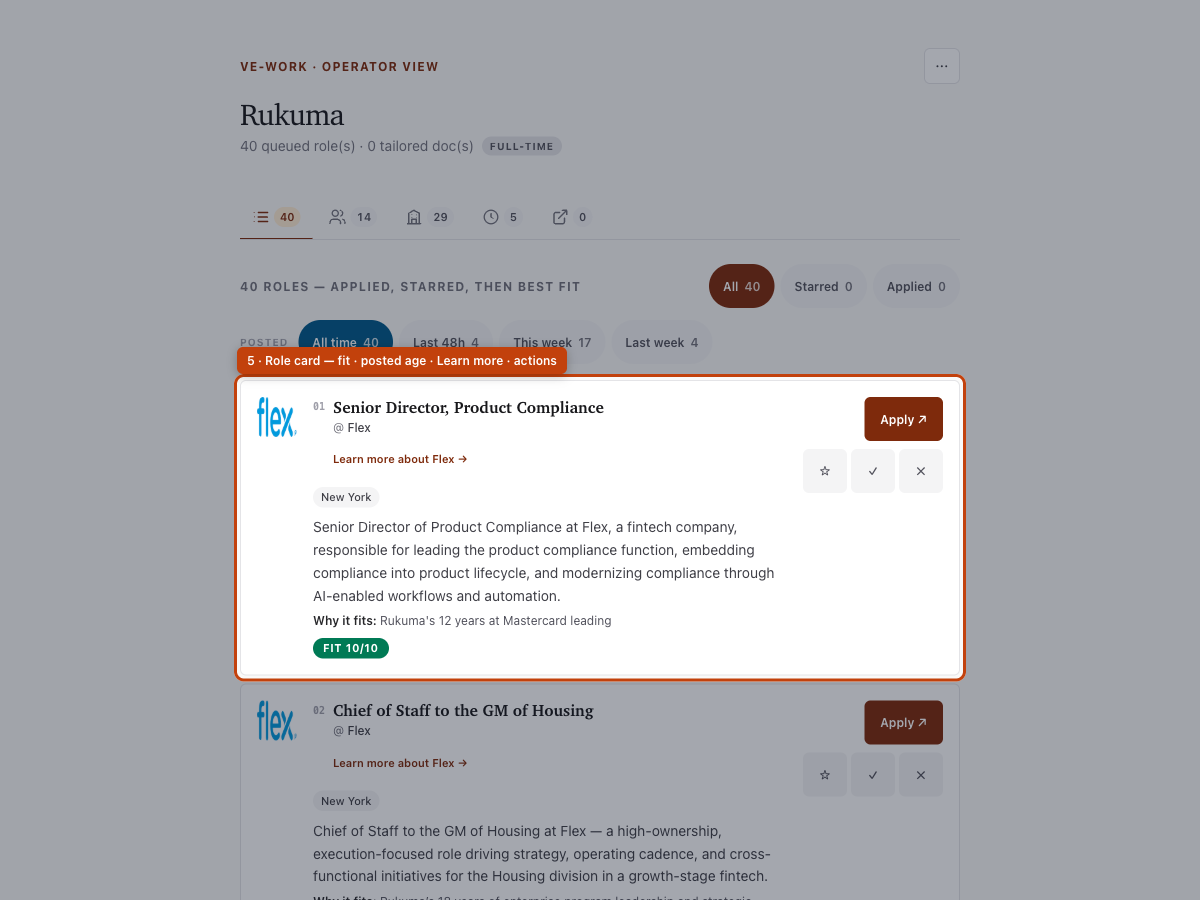
5. Warm paths
Warm paths only count when the contact’s via matches your real network from your profile graph (schools + past employers). Wrong-school noise is filtered out.
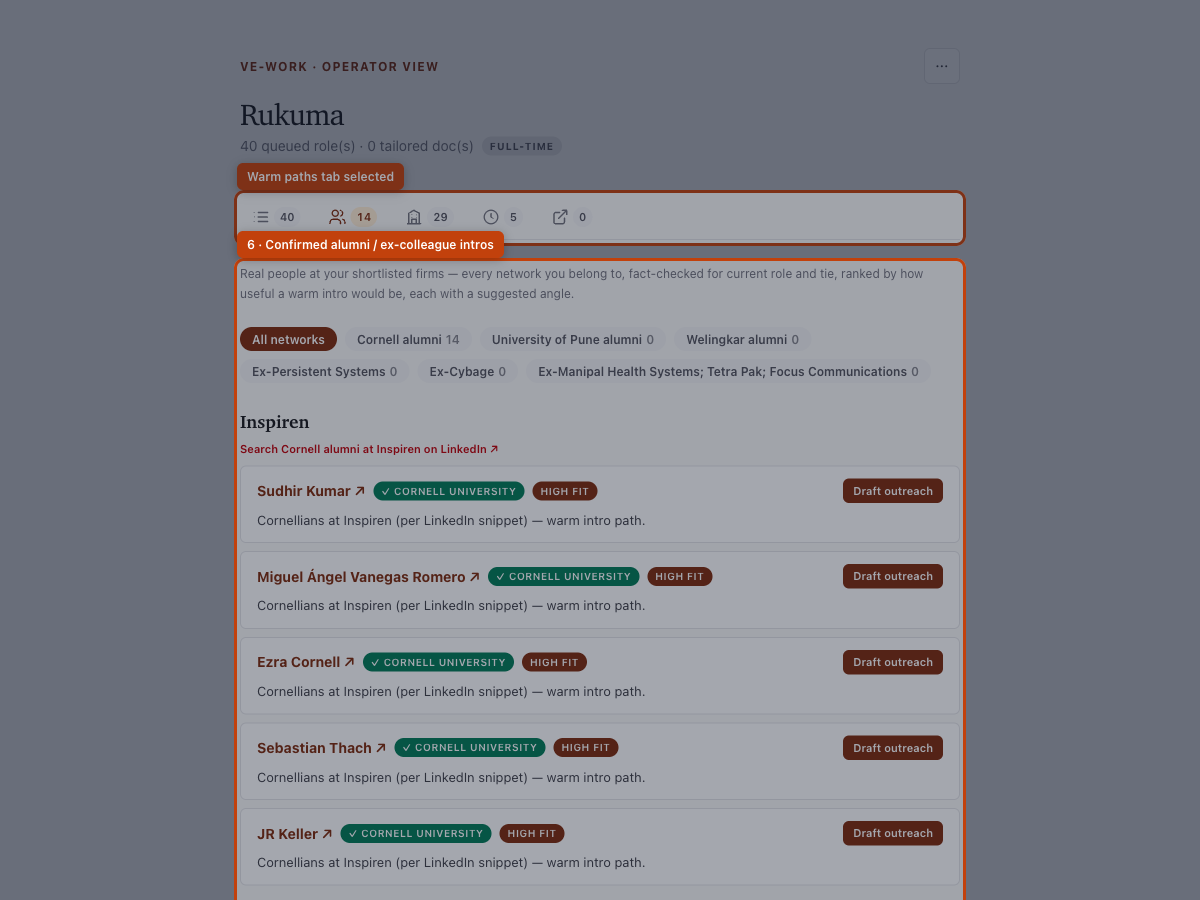
6. Companies
Dossiers cover the same set as your shortlist. From a role card, Learn more about … jumps here.
7. Pipeline & share
Open the account menu (⋯) for Pipeline (discover / refresh enrichment) and Shareable shortlist (password-gated read-only URL for mentors).
- Find new roles — discovery + triage
- Refresh enrichment — fit, blurbs, warm paths, dossiers (no new discovery)
- Share URL lives at /work/s/<slug> with the password from search.yaml
